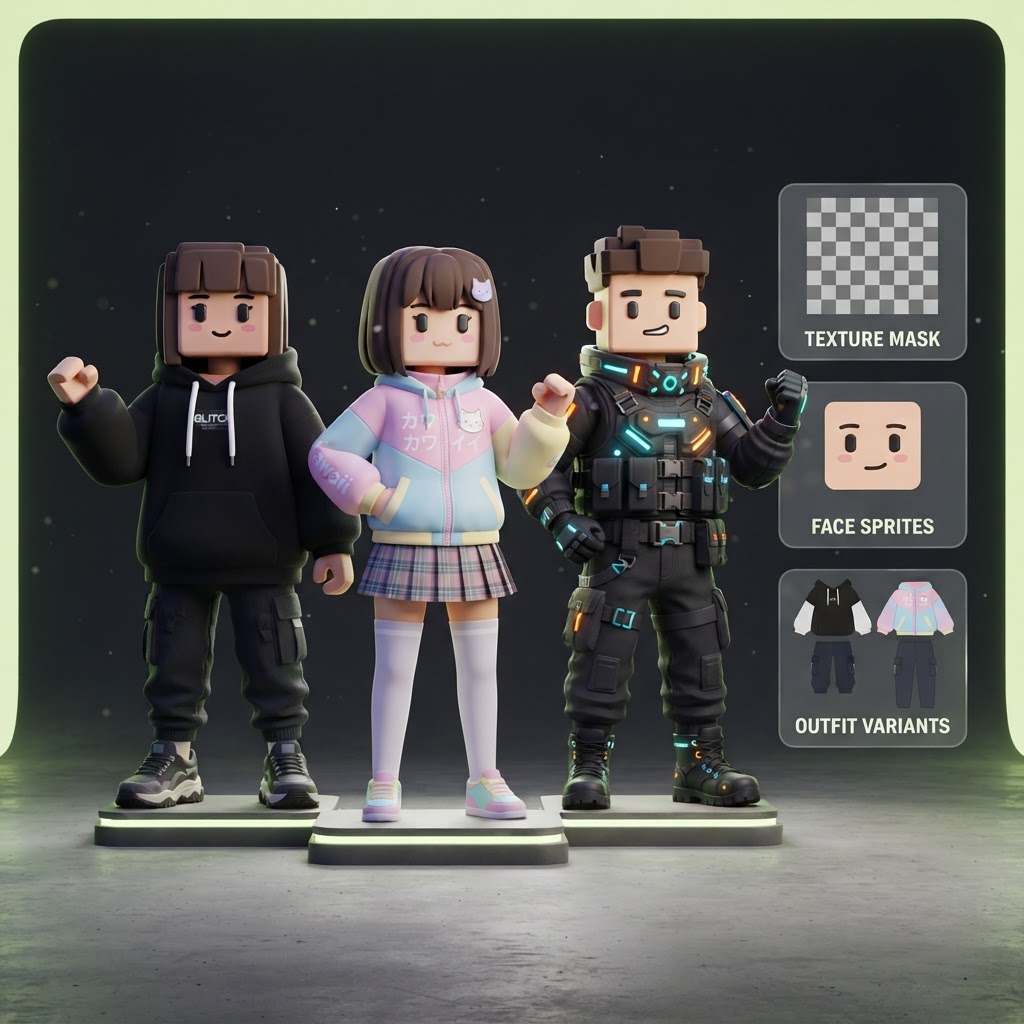
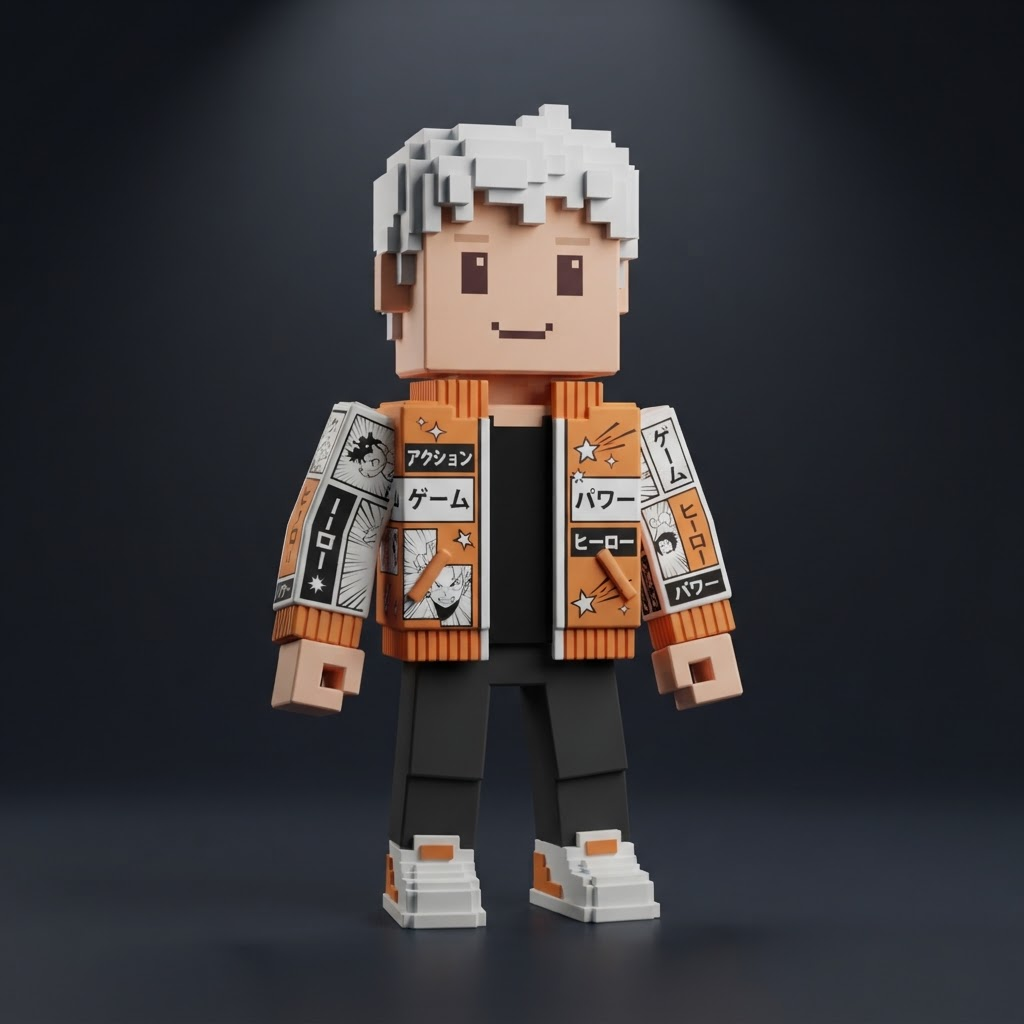
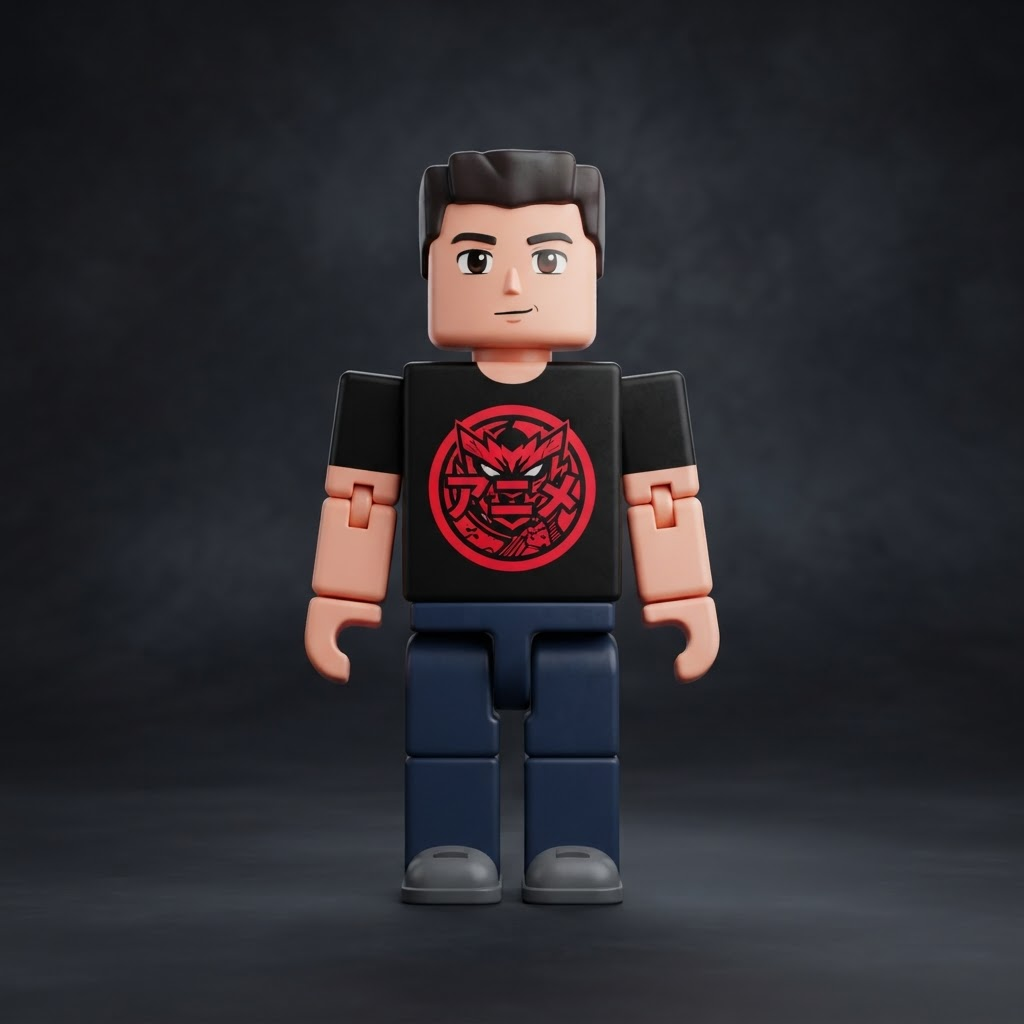
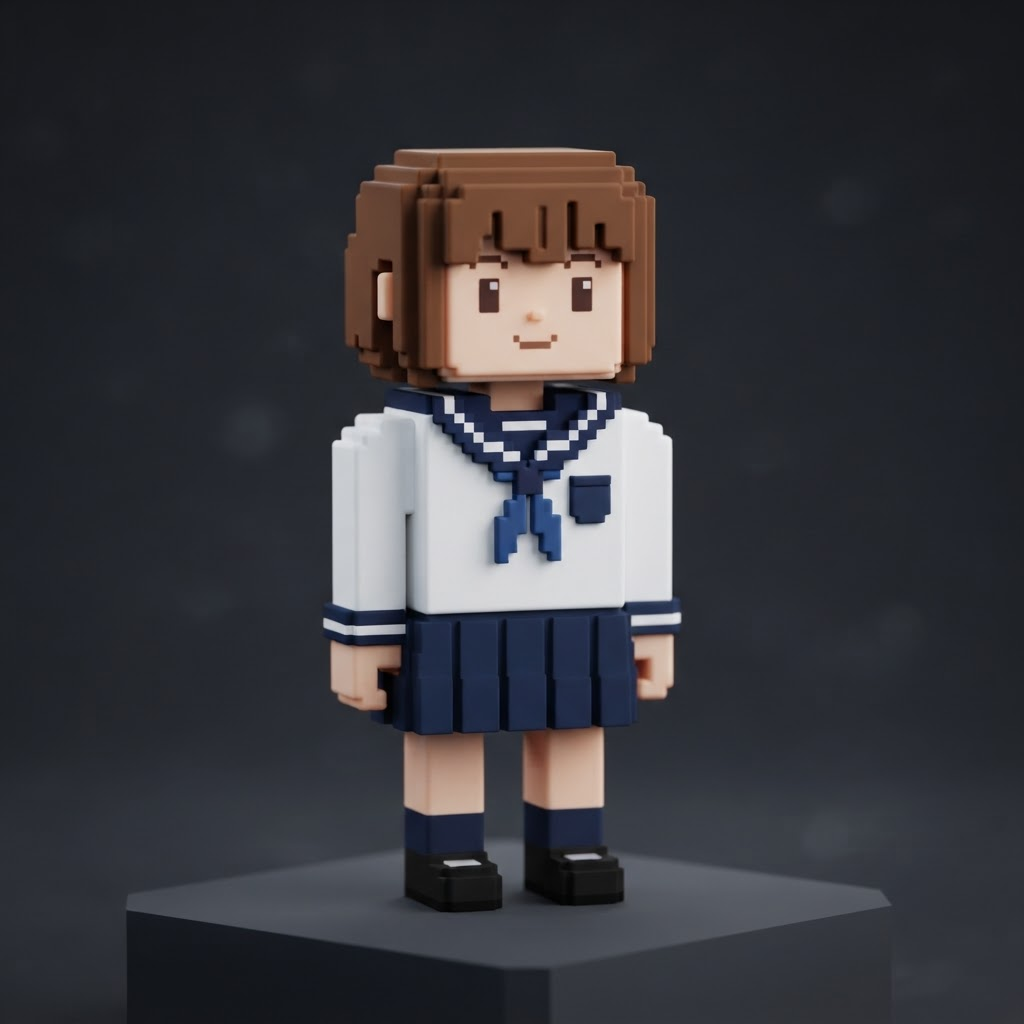
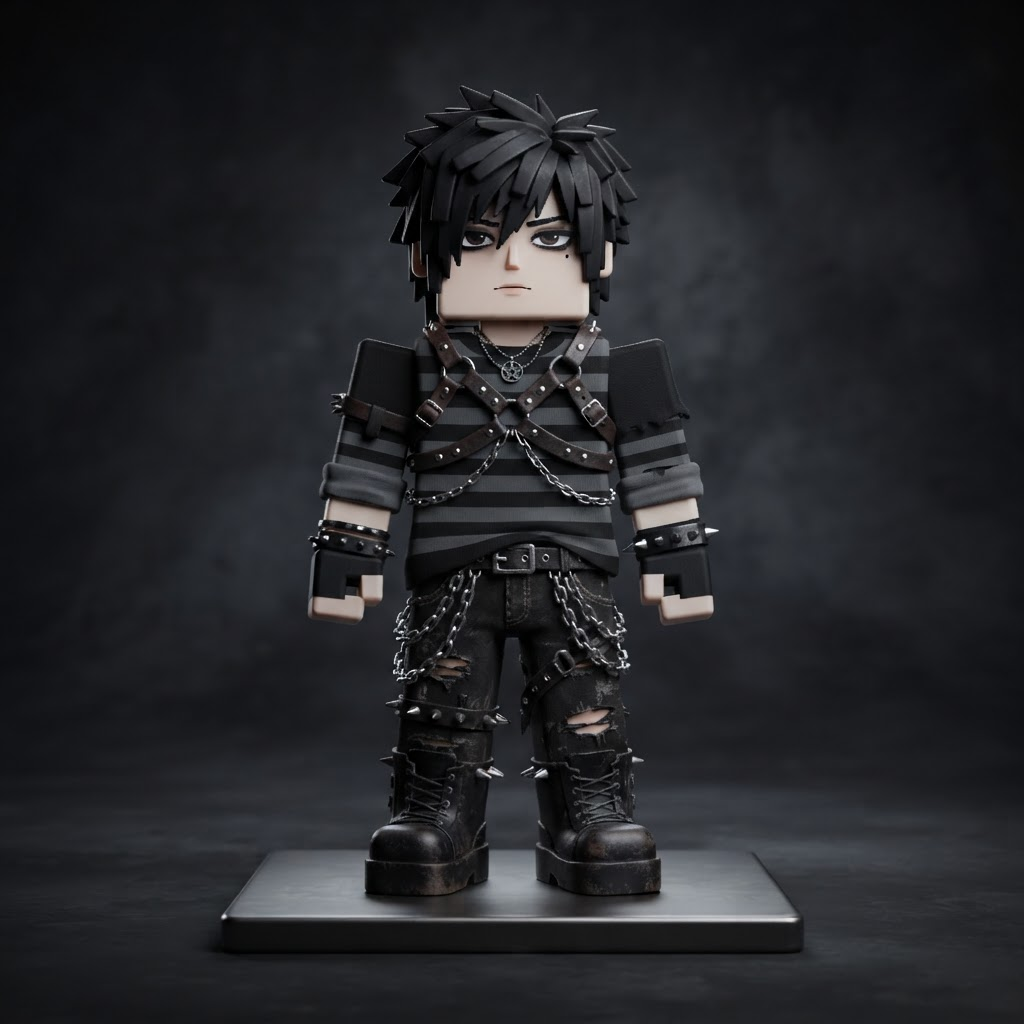
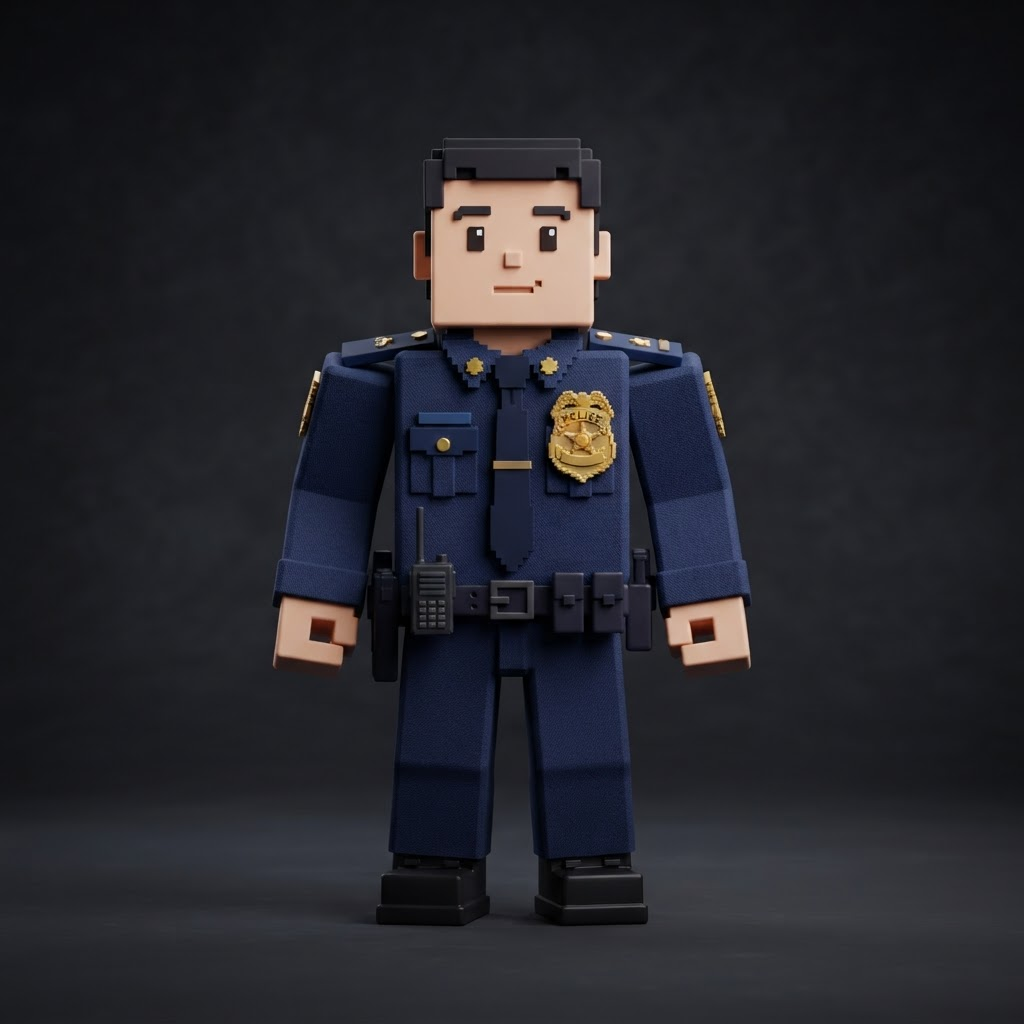
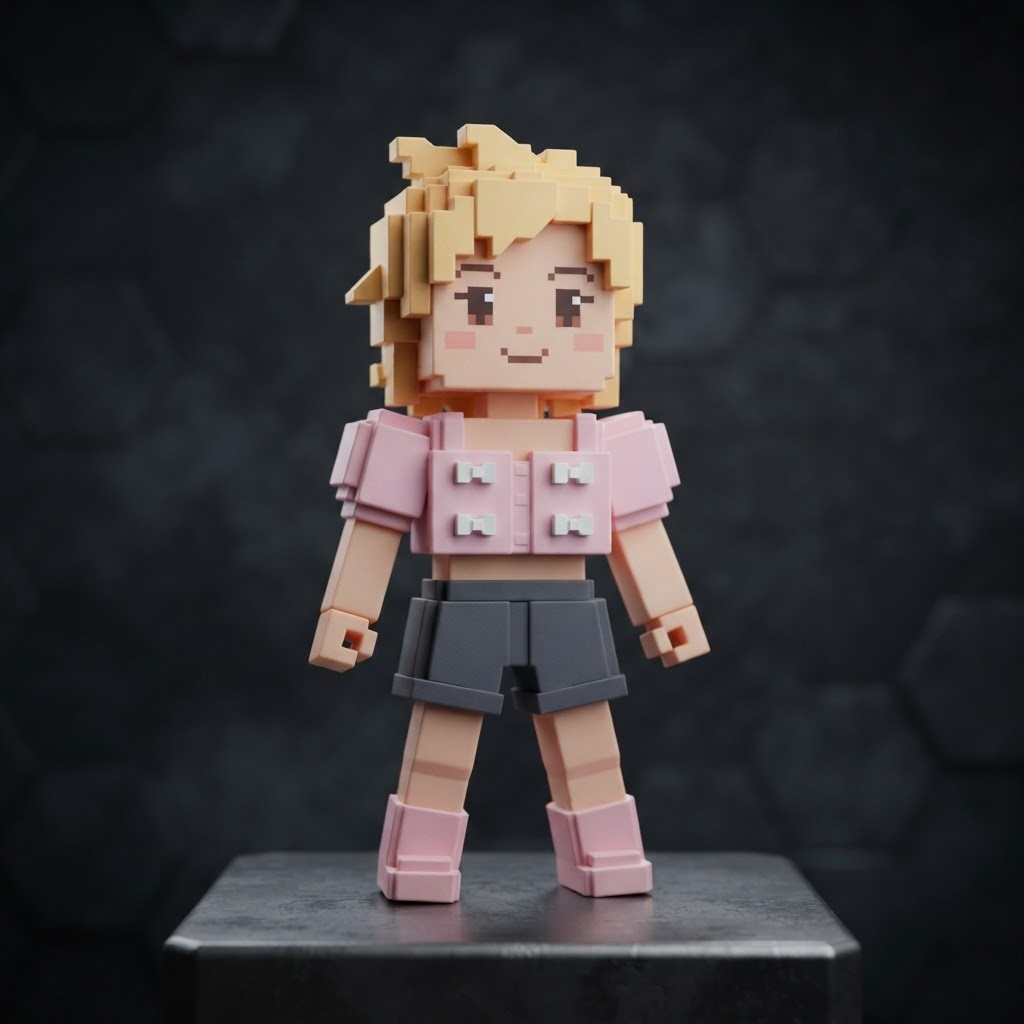
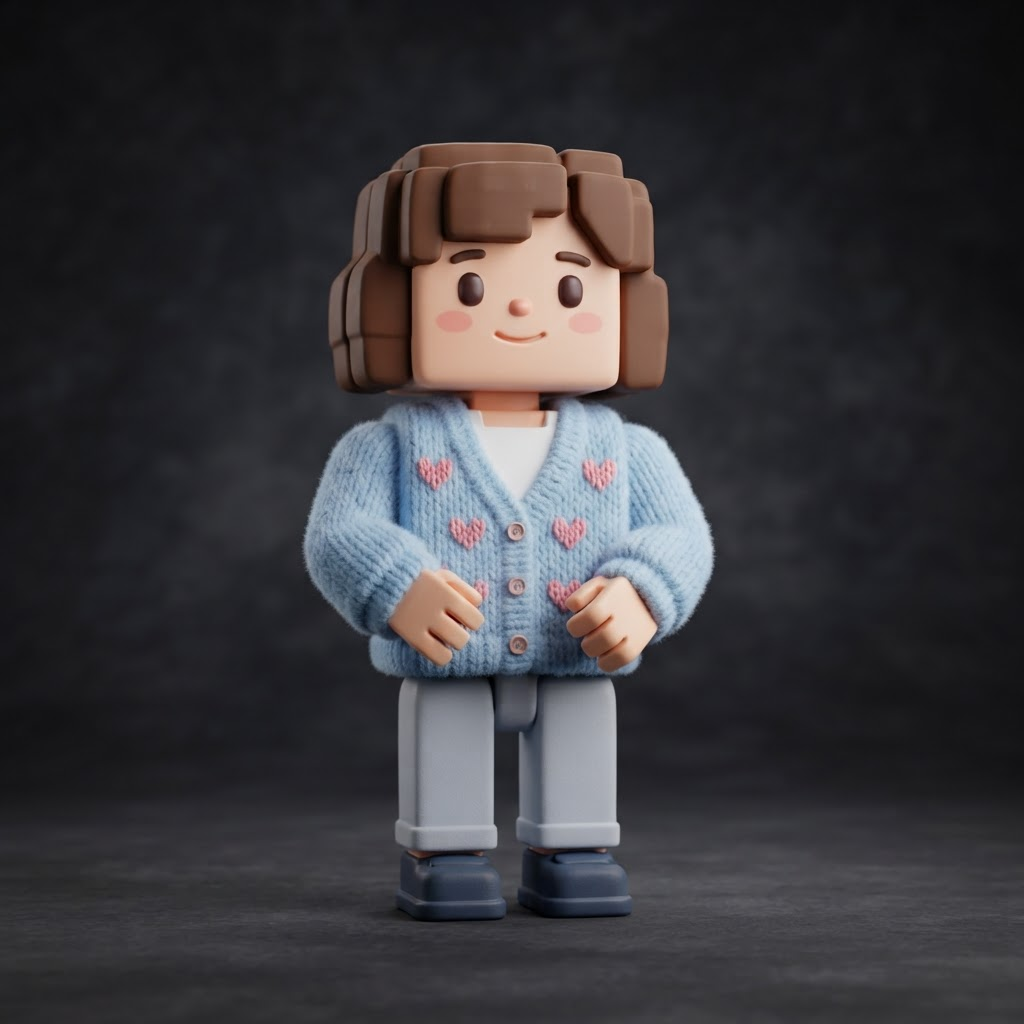
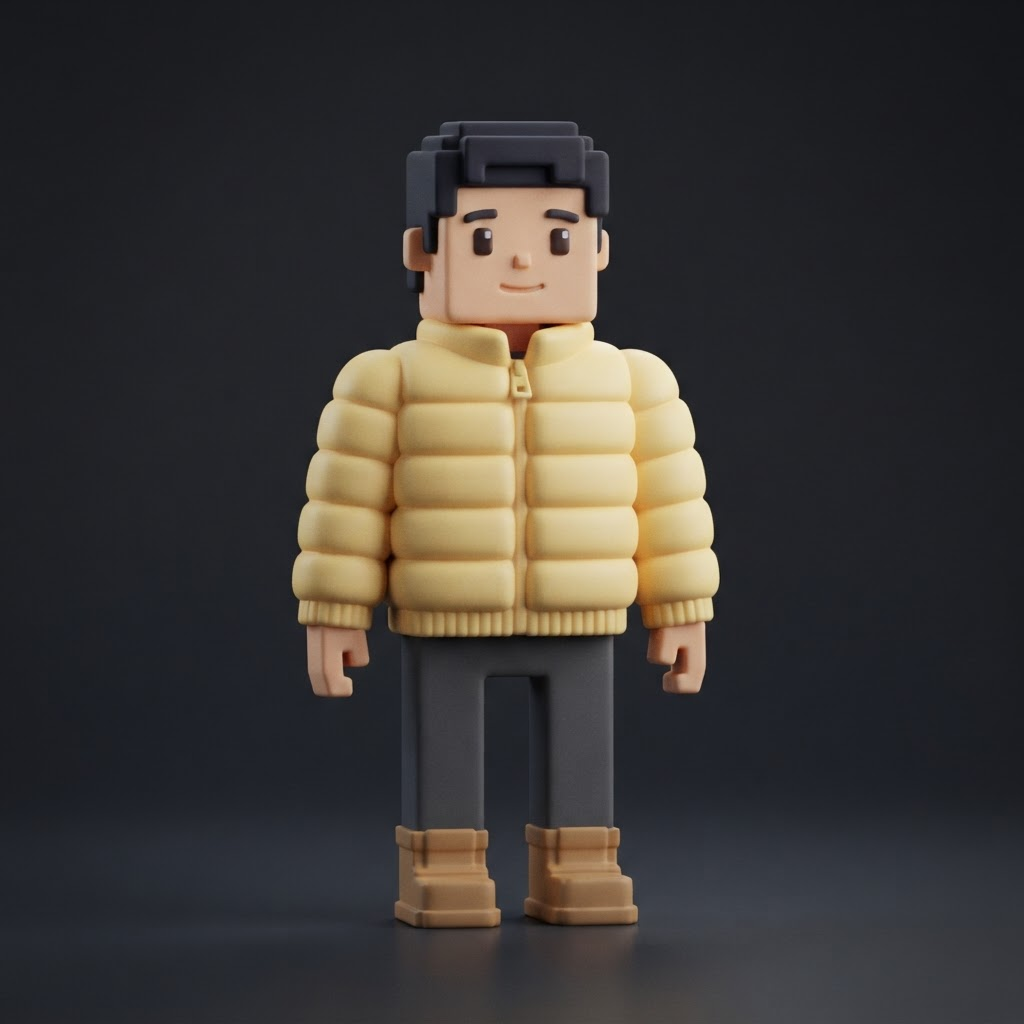
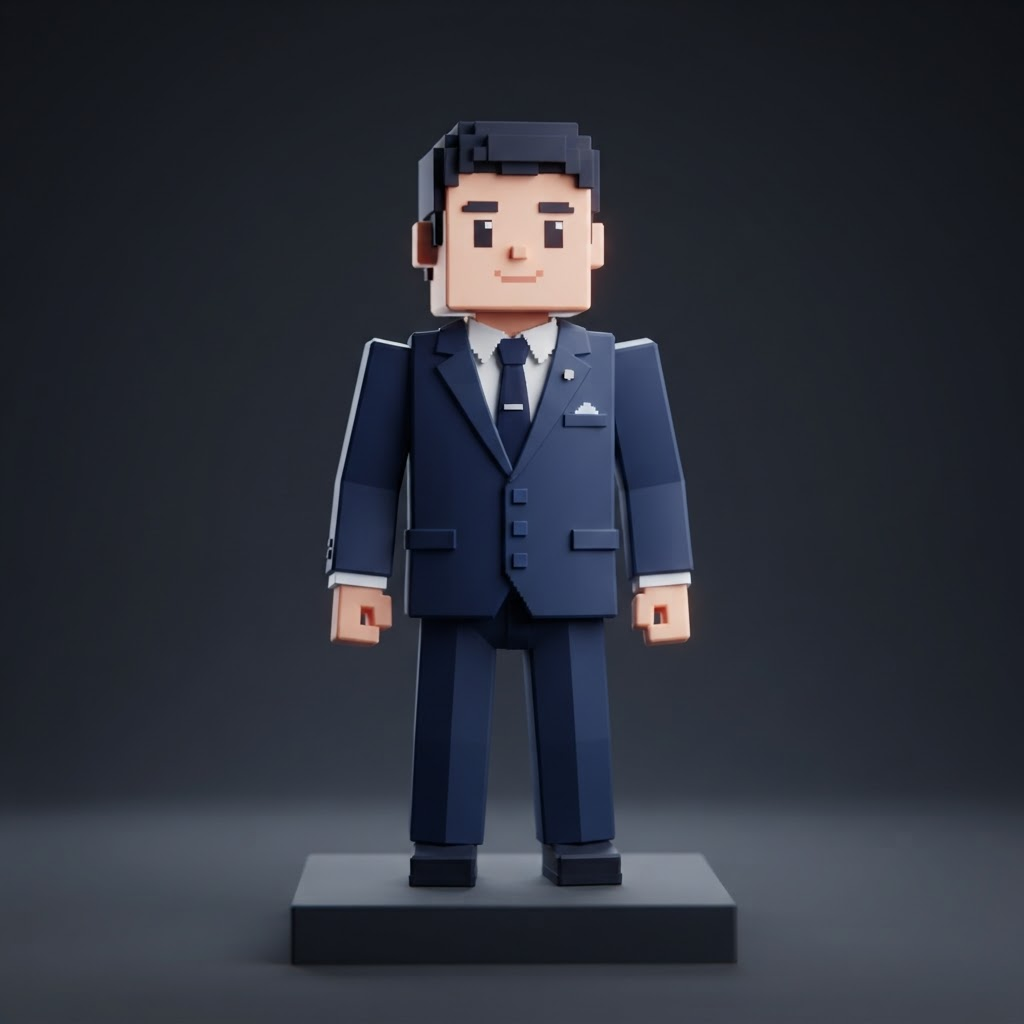
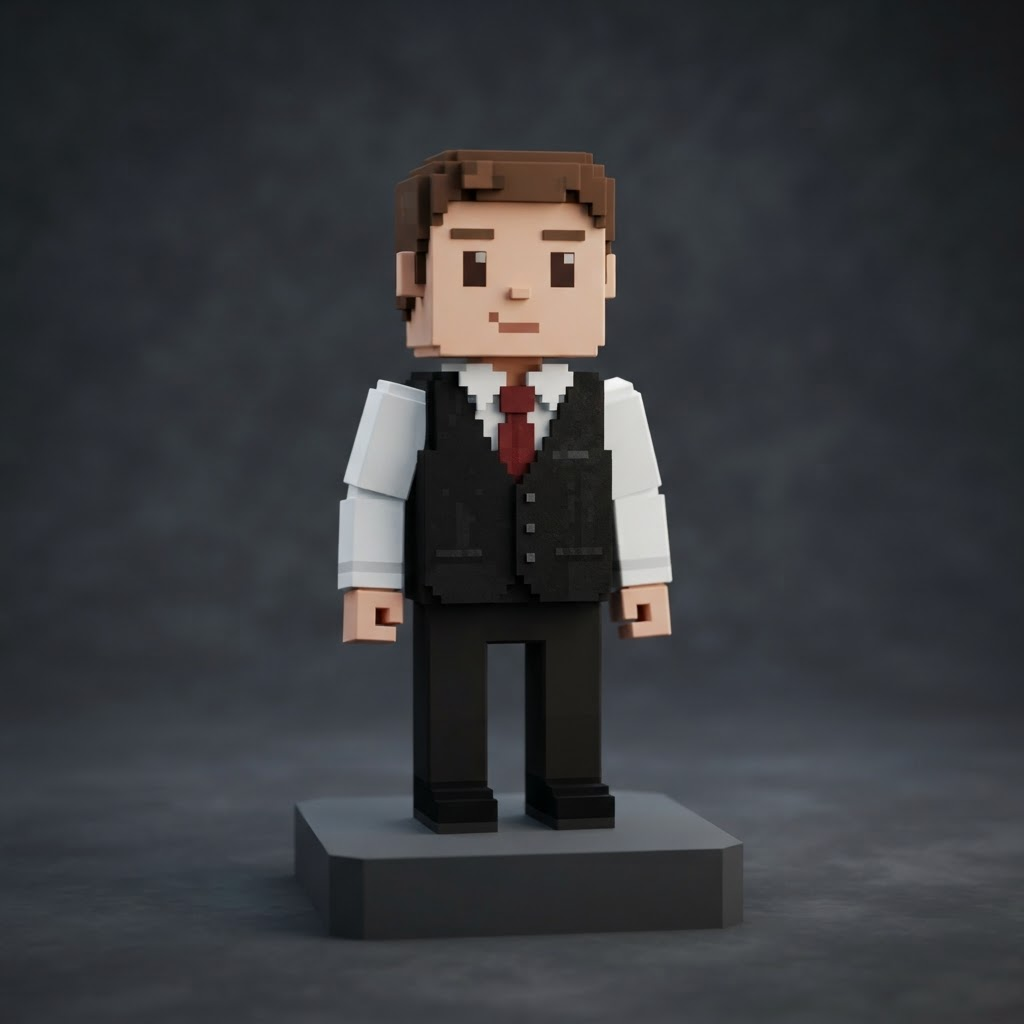
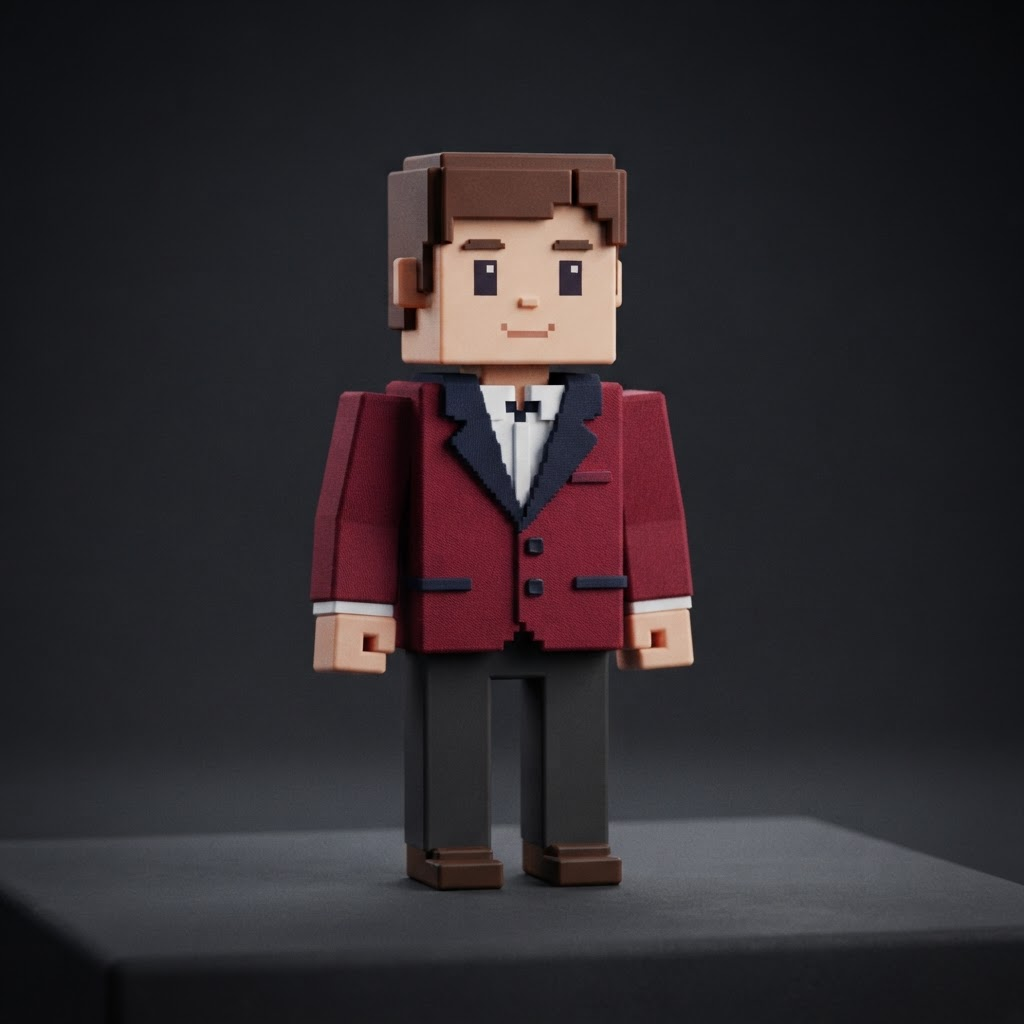
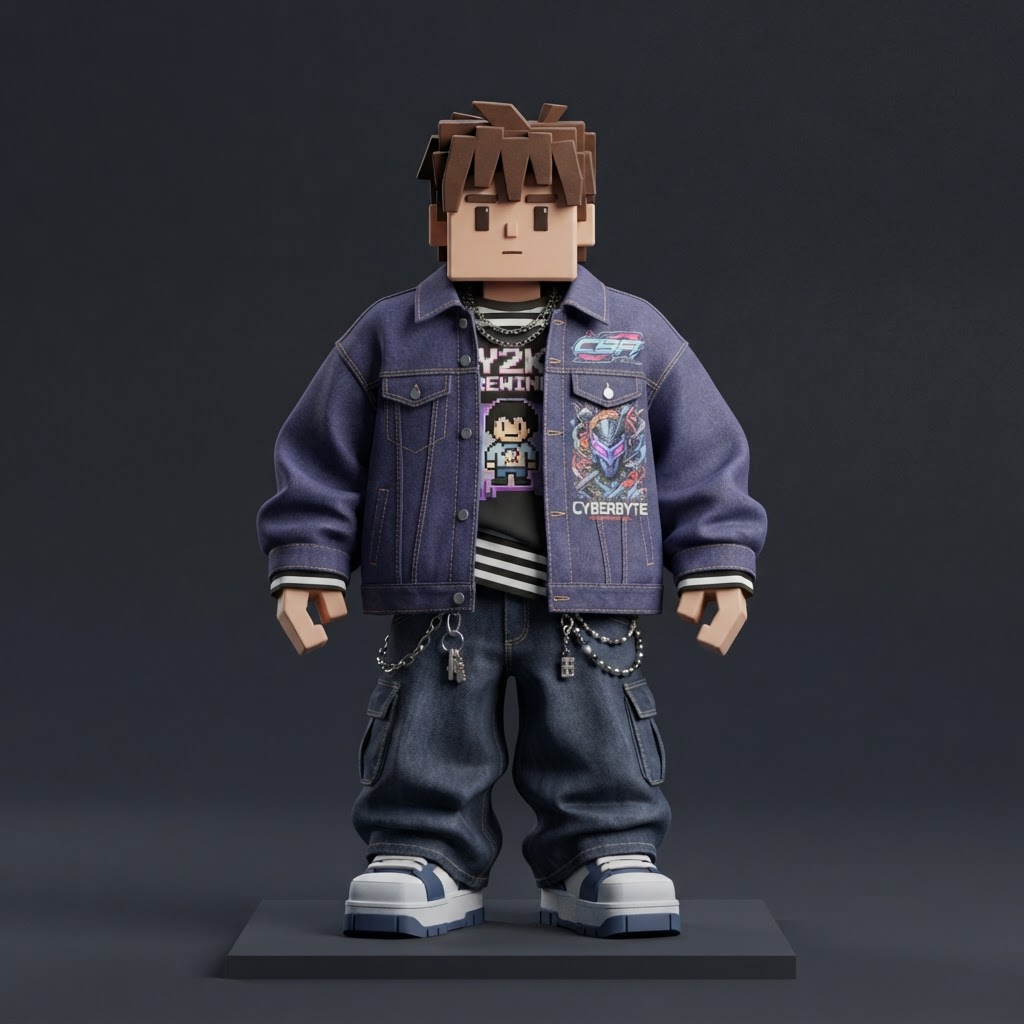
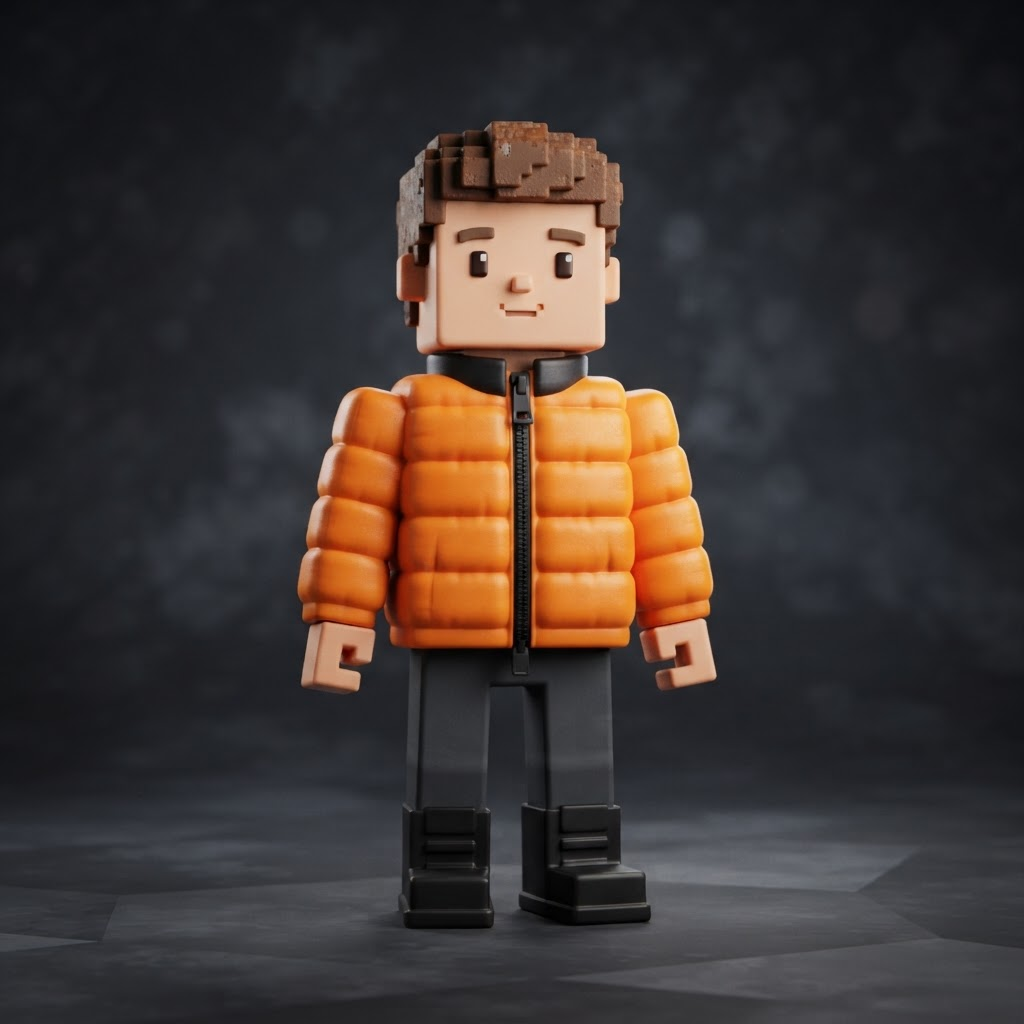
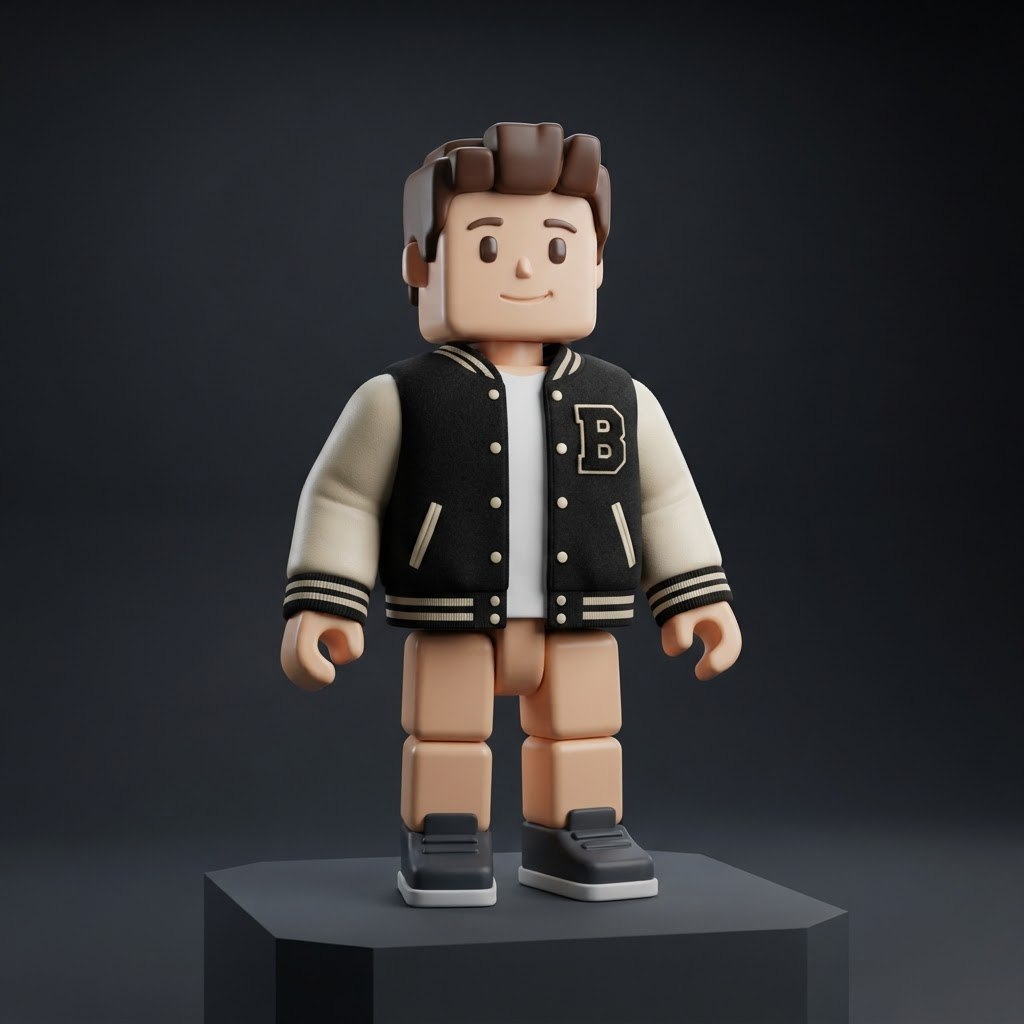
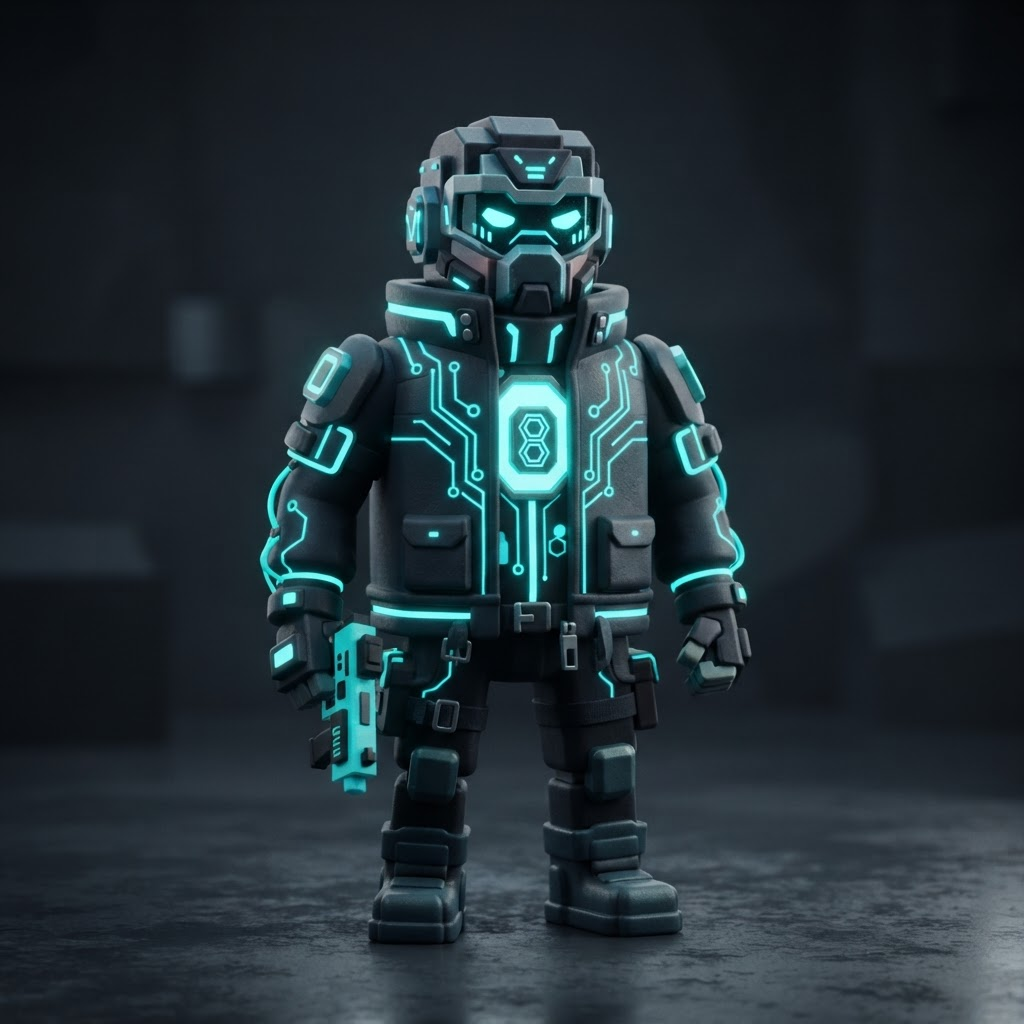
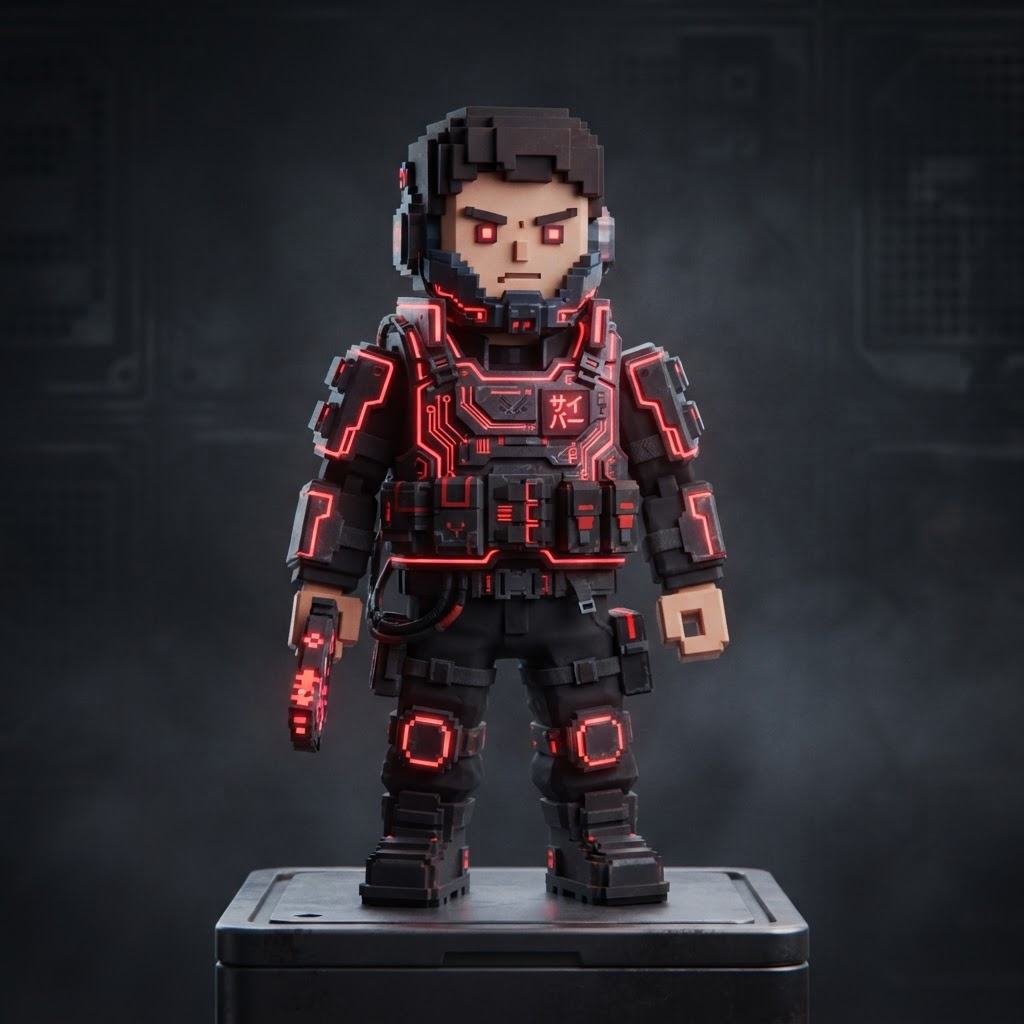
Download the official 585x559 blank Roblox shirt template as a transparent PNG, or grab 1,000+ ready-made aesthetic, anime, emo and streetwear Roblox shirt template designs. Every template keeps the exact 585 x 559 layout so Roblox never blurs or distorts your design.
Download the official blank Roblox shirt template as a true 585x559 transparent PNG with an alpha channel. Upload your finished design to verify the exact 585 x 559 dimensions before you pay the Robux upload fee — no watermarks, no white background baked in.
The official blank Roblox shirt template canvas at the exact 585x559 size. Fully transparent PNG alpha, no watermarks, ready to paint on in Photoshop, Photopea, Procreate or ibisPaint X.
The matching blank Roblox pants template at 585x559 transparent PNG so your legs, waist and hem line up perfectly with your Roblox shirt template on the same avatar.
Upload your PNG template to preview it on a transparency grid and instantly verify it matches the required 585 x 559 pixel canvas before you pay the upload fee.
Your transparent template preview appears here
Files never leave your device — the check runs entirely in your browser.
Roblox Shirt Template — Aesthetic, Anime, Emo & More
Filter by style, search by keyword, and download the 585x559 transparent PNG straight to your device. Every Roblox shirt template keeps the exact official 585 x 559 layout so it uploads cleanly to the Roblox Creator Hub with zero blurring.
How to Use a Roblox Shirt Template — Size, 585x559 Dimensions & Design Guide
What is a Roblox Shirt Template?
A Roblox shirt template is a specially formatted transparent PNG file measuring exactly 585 pixels wide by 559 pixels tall (585x559). The single flat image uses a colour-coded layout to map the front, back, sides and sleeves of a shirt onto a Roblox 3D avatar. To make custom Roblox clothing, you paint over this template using layered PNG software, then upload the finished 585x559 Roblox shirt template PNG to the Roblox Creator Hub.
To make sure your clothing renders correctly on a Roblox avatar, your finished PNG must meet the platform's strict requirements:
Dimensions
585 x 559 pixels (Width x Height)
File format
PNG — must keep a transparent background
File size limit
Under 8 MB
Upload cost
10 Robux per item (official platform fee)
Clothing Layout (585x559 Regions & Fold Map)
The single 585x559 PNG is folded around the avatar's blocky torso and arms. Each labelled region below maps to one face of that 3D geometry:
FrontChest / torso front
BackTorso back panel
UpShoulder top fold
DownWaist bottom fold
R_ArmRight sleeve wrap
L_ArmLeft sleeve wrap
LeftTorso left side
RightTorso right side
Front and back sit in the upper-middle band, the sleeve regions sit along the lower band, and the Up/Down strips control the shoulder and waist folds.
How to Make a Roblox Shirt (5-Step Design & Upload Guide)
1
Download the blank 585x559 PNG canvas
Save the official transparent 585x559 canvas to your PC, Mac, iPad or phone using the download button in the tool section above.
2
Open the 585x559 PNG in a layered editor
Open the 585x559 canvas in any editor that supports layers and transparency. Free options: Photopea (browser), Canva, Paint.NET, GIMP, ibisPaint X (mobile). Pro: Adobe Photoshop, Procreate.
3
Paint outfits, shading and logos on new layers
Create a new layer above or below the guideline layer, then paint shading, wrinkles, logos and patterns. Hide or delete the guideline so unused areas stay transparent.
4
Export 585x559 PNG with transparency enabled
Export the finished design as a transparent PNG. Never resize or crop the 585x559 canvas or the platform will rescale and blur your artwork.
5
Upload the finished PNG to the Creator Hub
Go to Roblox Creator Hub → Creations → Avatar Items → Shirts. Select your exported 585x559 PNG, pay the 10 Robux upload fee, and publish your clothing item.
Roblox Premium is no longer required to publish shirts — you only need 10 Robux per 585x559 PNG upload.
Why is my Roblox shirt template blurry after I upload it?
Roblox blurs clothing when the PNG does not match the official 585x559 canvas exactly. Always export at 585x559 transparent PNG, never upscale, and double-check the size with the checker in the tool section above.
Can I make and upload Roblox shirts without Premium?
Yes. Roblox removed the Premium requirement for clothing uploads — anyone can publish shirts or pants. You still pay a 10 Robux fee per 585x559 PNG item submitted to the Roblox Creator Hub.
Where can I get a free Roblox shirt template?
Right here. TemplateBlox hosts 1,000+ free Roblox shirt template designs in the official 585x559 transparent PNG size — aesthetic, anime, emo, military, cute & pastel, formal, streetwear and cyberpunk. No sign-up, no watermark, instant download.
What is the difference between Roblox shirts and T-shirts?
A Roblox shirt wraps the entire torso + arms, uses the full 585x559 canvas, and costs 10 Robux. A Roblox T-shirt is a flat 128x128 square sticker on the chest only, requires no layout, and is free to upload.
What size is a Roblox pants template?
The Roblox pants template uses the exact same 585x559 pixel transparent PNG canvas as the shirt layout — only the regions map the avatar’s legs, hips, crotch and hems instead of the torso and arms.
Can I design on mobile or iPad?
Yes. Save the blank 585x559 PNG to your device, then open it in a layered editor like ibisPaint X or Procreate (iPad) or Photopea (browser). All three apps export true transparent PNG alpha channels at the exact clothing size.